
Paverun on Apple Watch
The whole run.
On your wrist.
Before you start. While you move.
Long after the finish.
Simulator preview · Sample data

A place to beginInterface preview · Sample data

01 / Before the first step
A little intention.
Then, go.
A free run, or a familiar effort to follow. Choose your direction, find a voice you like, and take a breath through the countdown.
One clear orange button for a Free run.
More in this moment 9 views
A place to beginInterface preview · Sample data

02 / While you move
Run. Walk.
Your rhythm.
Room for pace. A clear change to walking. A deliberate pause when you need one. The next moment stays close at hand.
Pace, heart rate and distance in one compact overview.
More in this moment 13 views
Try the controls to change the preview.

The run at a glanceInterface preview · Sample data
03 / Against a previous you
A familiar run.
A fresh effort.
Choose a recorded run to compare against. Follow pace or distance, then look at the difference afterwards. Your past effort gives this one some perspective.
Choose pace or distance to compare with a recorded run.
More in this moment 2 views

A previous youInterface preview · Sample data

04 / Long after the finish
The run ends.
The story stays.
Come back to your splits. Trace the route. Look at the details behind the effort, and the small reminder of a run that is now yours.
A clear finish summary brings distance, moving time and average pace together.
More in this moment 8 views

The finish screenInterface preview · Sample data
The short film
One button.
Every km.
From the first countdown to the saved route. A 22-second look at Paverun on Apple Watch.
Film transcript and audio
There are no spoken words. Instrumental music accompanies the film, with a soft reveal accent, a quiet selection click and a warm completion tone. The music fades out at the end.
- 0:00–0:03 — One button. Every km. The orange Free run Home button settles into view.
- 0:03–0:06.6 — Ready. Set. Run. The Watch countdown plays through GO.
- 0:06.6–0:10.9 — Your run. In view. The live overview shows pace, heart rate and distance.
- 0:10.9–0:14.2 — Run. Walk. Your rhythm. The controls change from running to walking.
- 0:14.2–0:17.5 — Hold. Pause. Breathe. The hold gesture leads into the paused screen.
- 0:17.5–0:22 — The run ends. The story stays. A saved session, route and Bronze medal complete the film.
The film is labeled “Simulator demo · Sample data” throughout.
For the details people
Take a
closer look.
Every interface preview. Every little movement.
Open the collection and follow your curiosity.
Explore the Watch interface34 screens · 9 original interface clips
Showing 34 screens
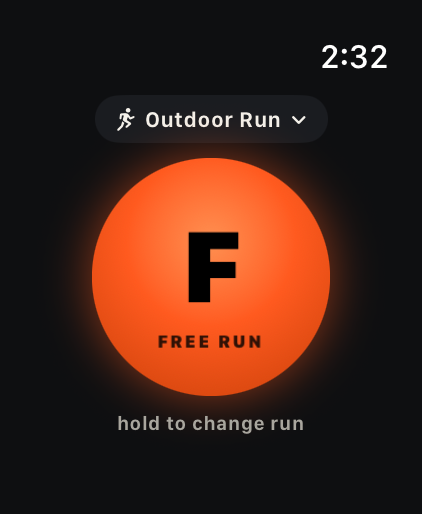
A place to begin
One clear orange button for a Free run.
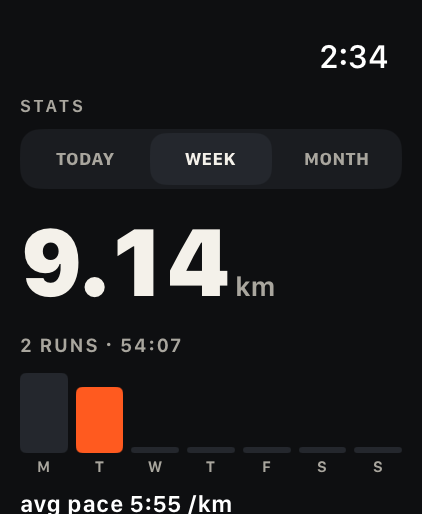
Your rhythm over time
Your distance and activity history, together in a weekly view.
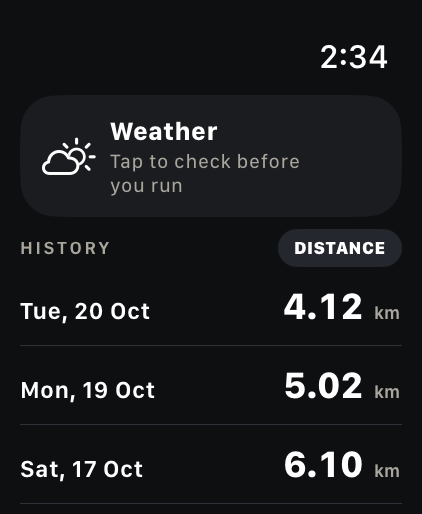
History, close at hand
Recent runs with a prompt to check the weather.
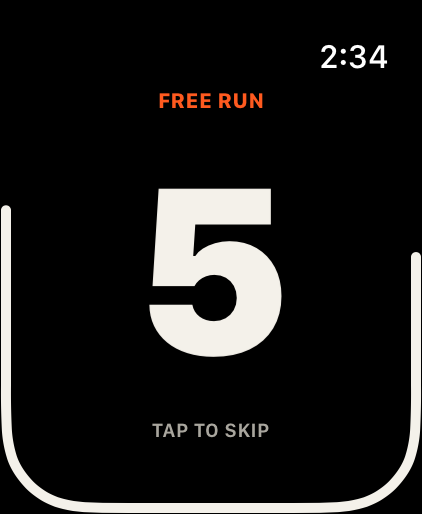
A moment to get set
Large countdown numerals give you a moment to get ready.
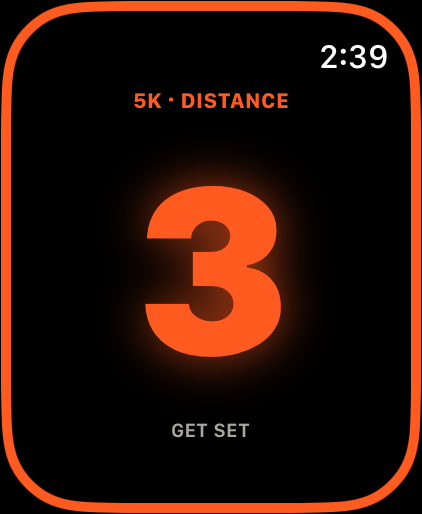
The last three
The final seconds turn orange, with a ring around the edge.

And… go
A full orange screen marks the start.
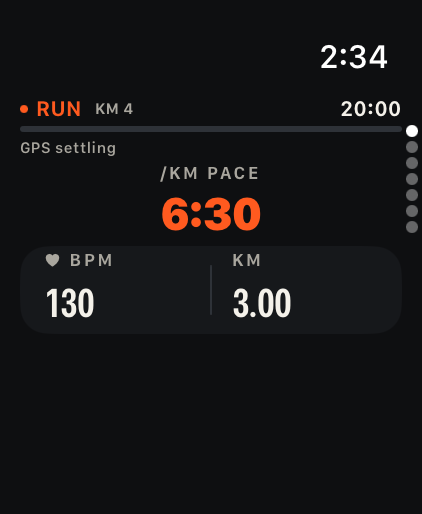
The run at a glance
Pace, heart rate and distance in one compact overview.
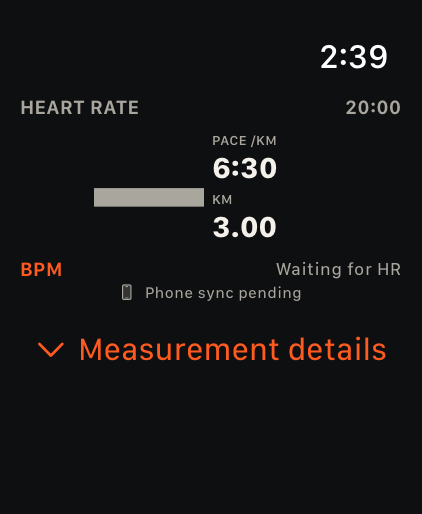
Waiting for heart rate
A dash and “Waiting for HR” make a missing reading clear.
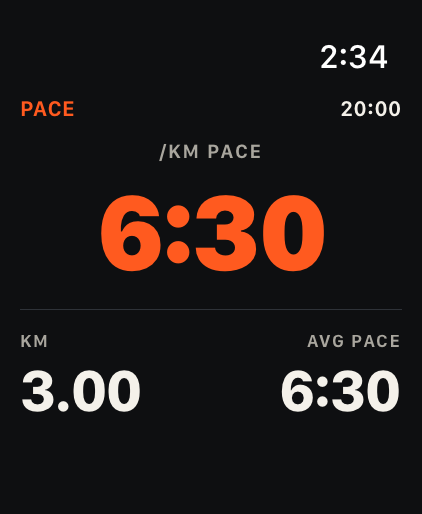
Room for pace
Large pace typography, supported by distance and average pace.
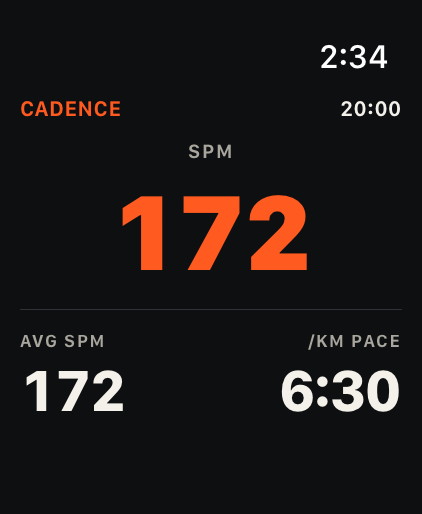
A look at cadence
Cadence in steps per minute, with pace close by.
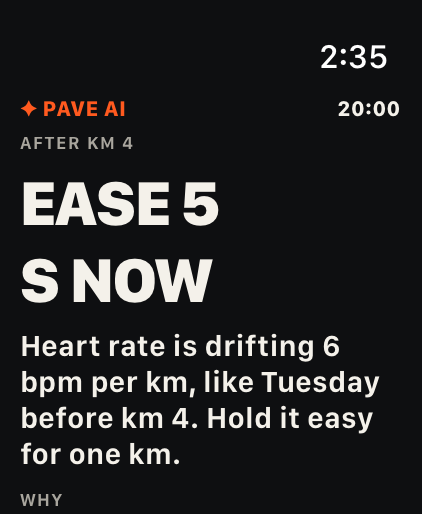
The coaching layout
The Pave AI layout shows an example coaching prompt and its explanation.
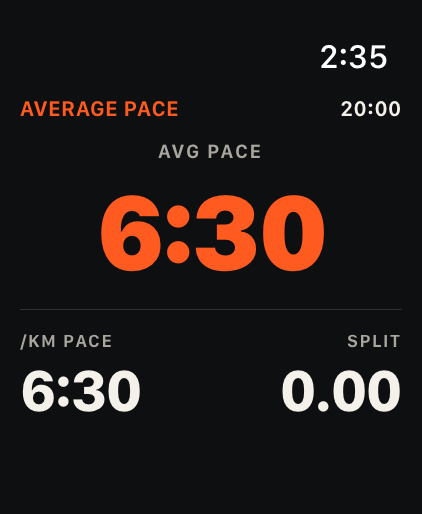
The bigger pace picture
Average pace, current pace and split in one view.
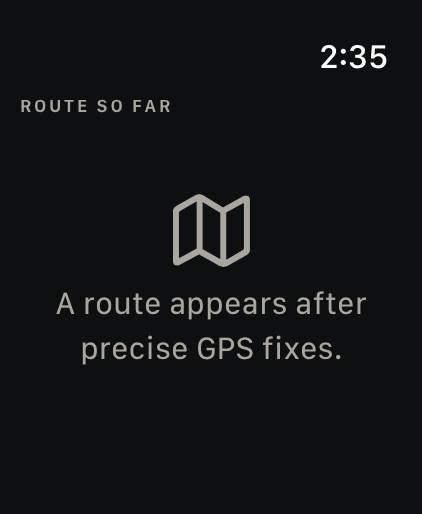
A route needs GPS
A waiting state explains that a route appears after precise GPS fixes.
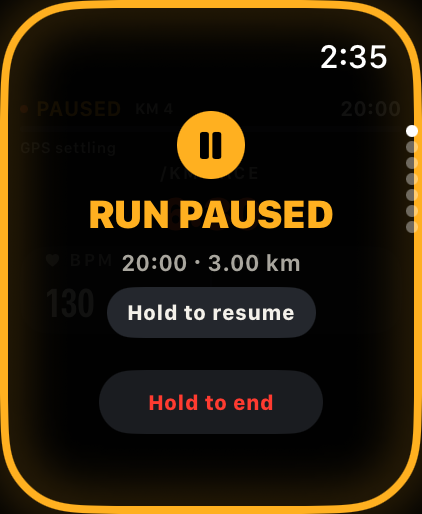
A clear pause
An amber pause screen keeps resume and end gestures clear.
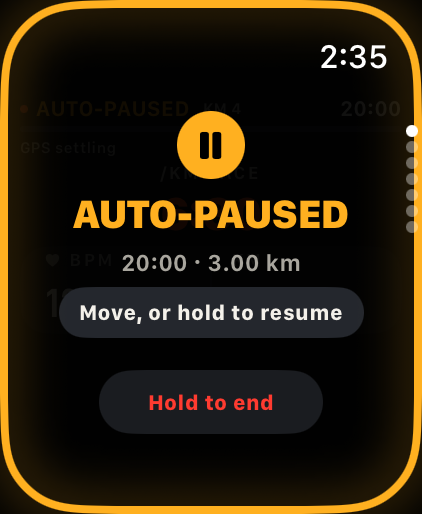
Auto-paused, visibly
A distinct Auto-paused screen says Move to resume.
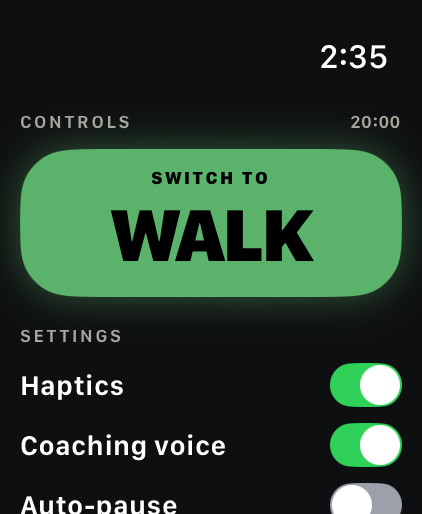
A walking moment
A large green Switch to walk control, with settings nearby.
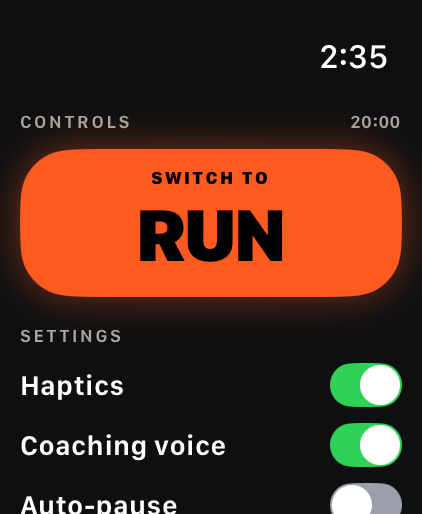
Back to running
A large orange control brings you back to running.
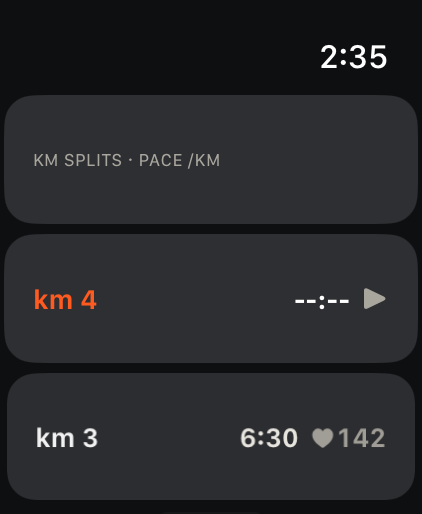
One kilometre at a time
Completed splits and the current split, kept separate.
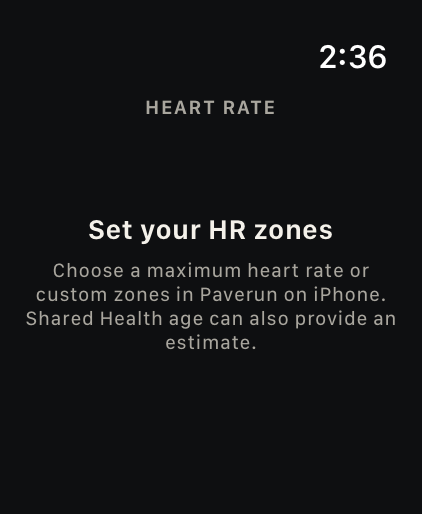
Zones need your setup
A setup message asks you to choose heart-rate zones on iPhone.
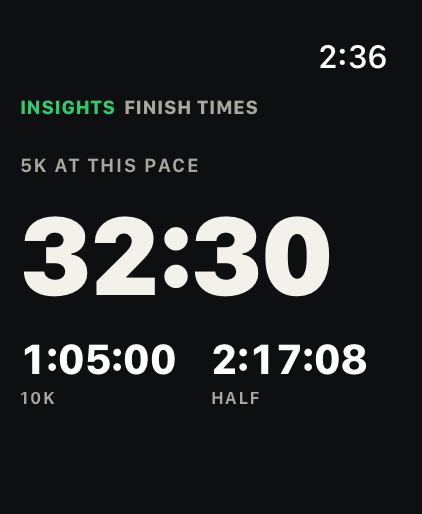
A possible finish
Projected finish times at the current pace, clearly presented as estimates.
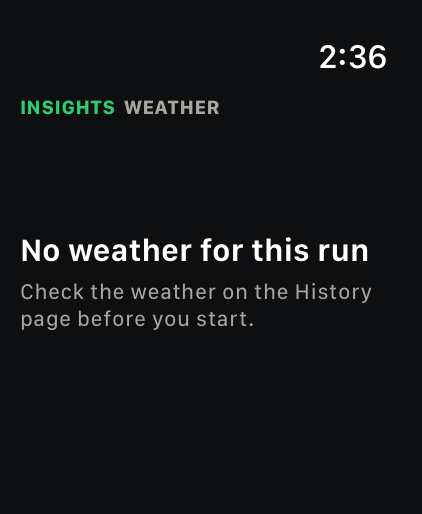
No weather, clearly
“No weather for this run” explains the missing state and where to check.
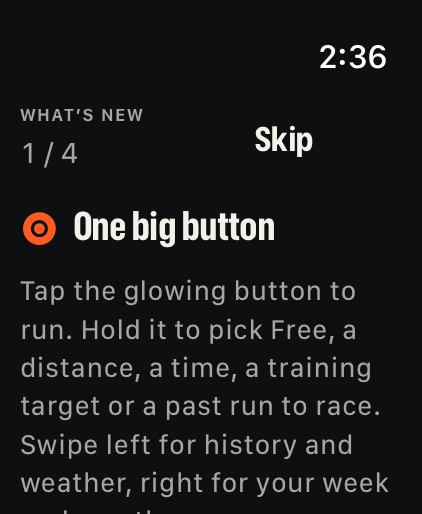
A little orientation
A What’s new card introduces the Home button and navigation.
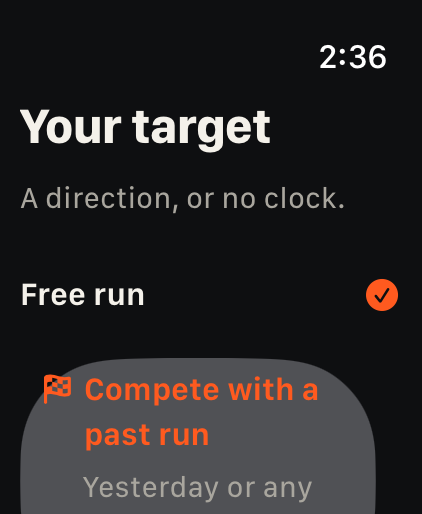
Choose your direction
Choose a Free run or compare against a past run.
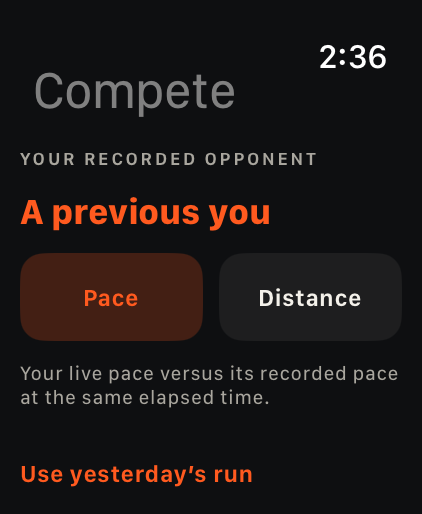
A previous you
Choose pace or distance to compare with a recorded run.
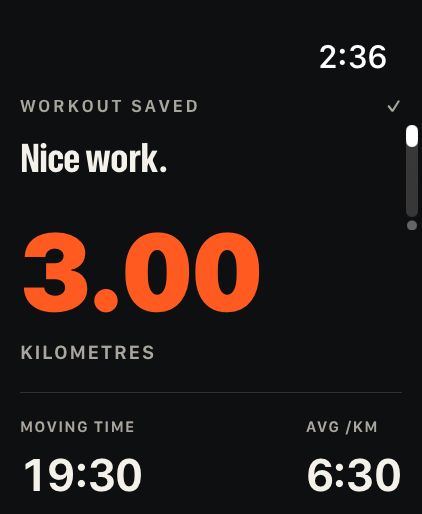
The finish screen
A clear finish summary brings distance, moving time and average pace together.
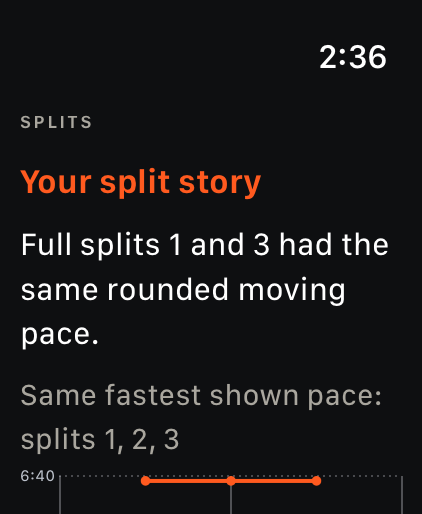
Your split story
Your split story, with a chart and a short explanation.
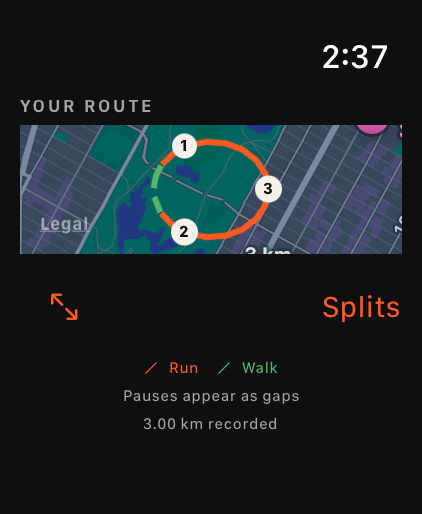
A recorded route view
The post-run route view distinguishes running and walking moments.
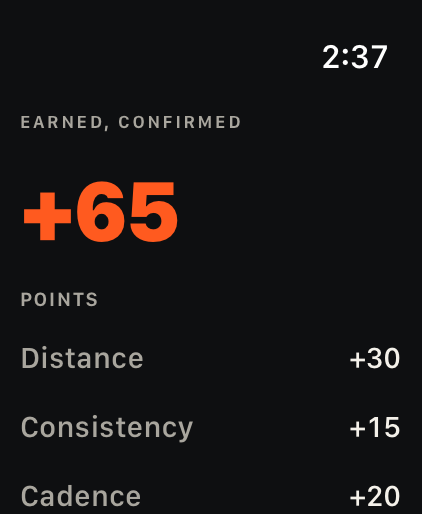
The points breakdown
A breakdown of points by distance, consistency and cadence.
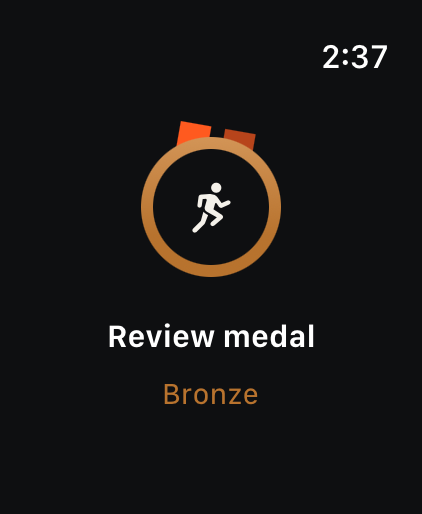
A medal, up close
A closer look at the Bronze Reviewed medal.
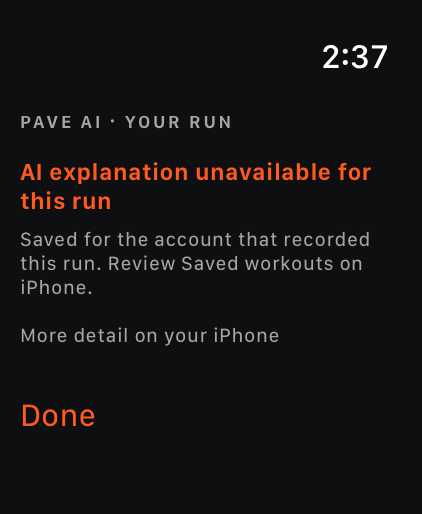
When AI is unavailable
“AI explanation unavailable for this run” keeps an unavailable explanation clear.
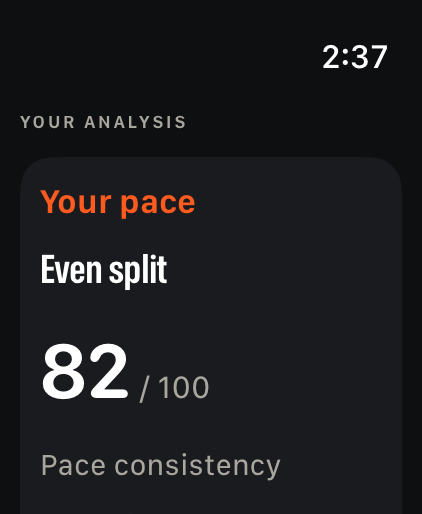
A look at consistency
Pace consistency, with a simple score and an explanation.
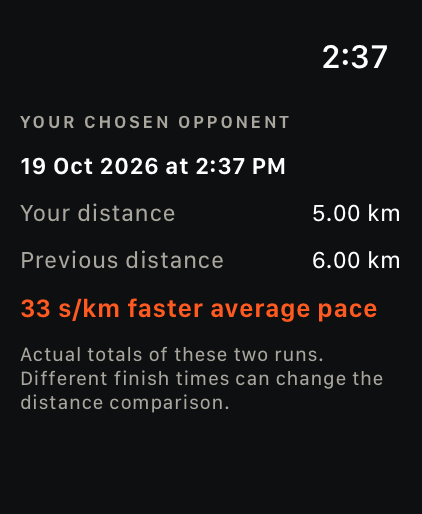
The comparison, afterwards
Distance totals and average-pace comparison remain separate.
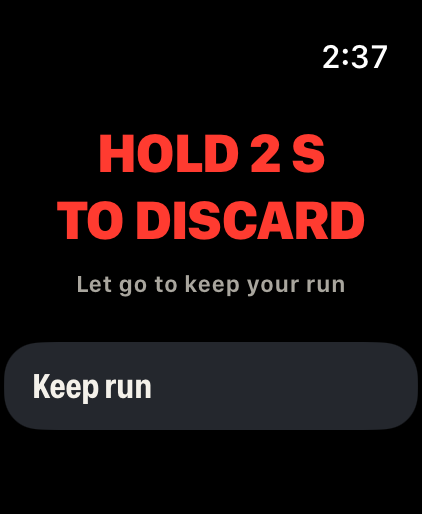
A deliberate decision
Hold 2 s to discard. Let go to keep your run.
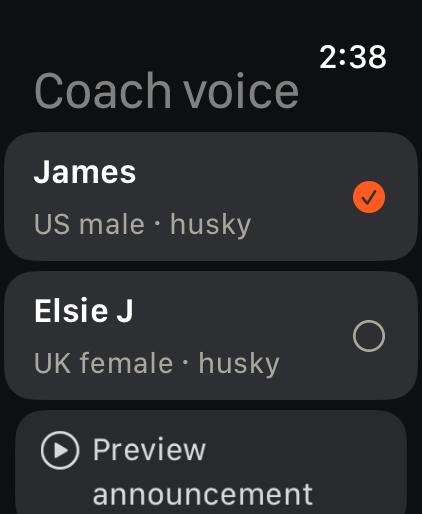
Choose a voice
Choose James or Elsie J and preview an announcement.
Watch the details move.
Nine silent interface clips. Playing one pauses any other film.
The Watch, in one minute
A tour from Home through recording, controls and the look back afterwards.
The starting point
The orange Home button, with its gentle glow.
Around Home
Move around Home, weekly stats and recent runs.
A little breathing room
The longer countdown gives you time to settle before GO.
Three, then go
A shorter countdown, then the orange GO screen.
The numbers, one by one
Move through the in-run pages, one focused view at a time.
The pause gesture
Watch the hold gesture fill the ring and lead into a pause.
A pause you can see
An amber edge makes the Run paused state easy to spot.
A different kind of pause
The Auto-paused screen, with its distinct label and edge feedback.
Go at your pace
Your next run.
Your own story.
Paverun and every available feature are permanently free. Paverun for iPhone and Apple Watch is currently in internal testing.